Custom fields
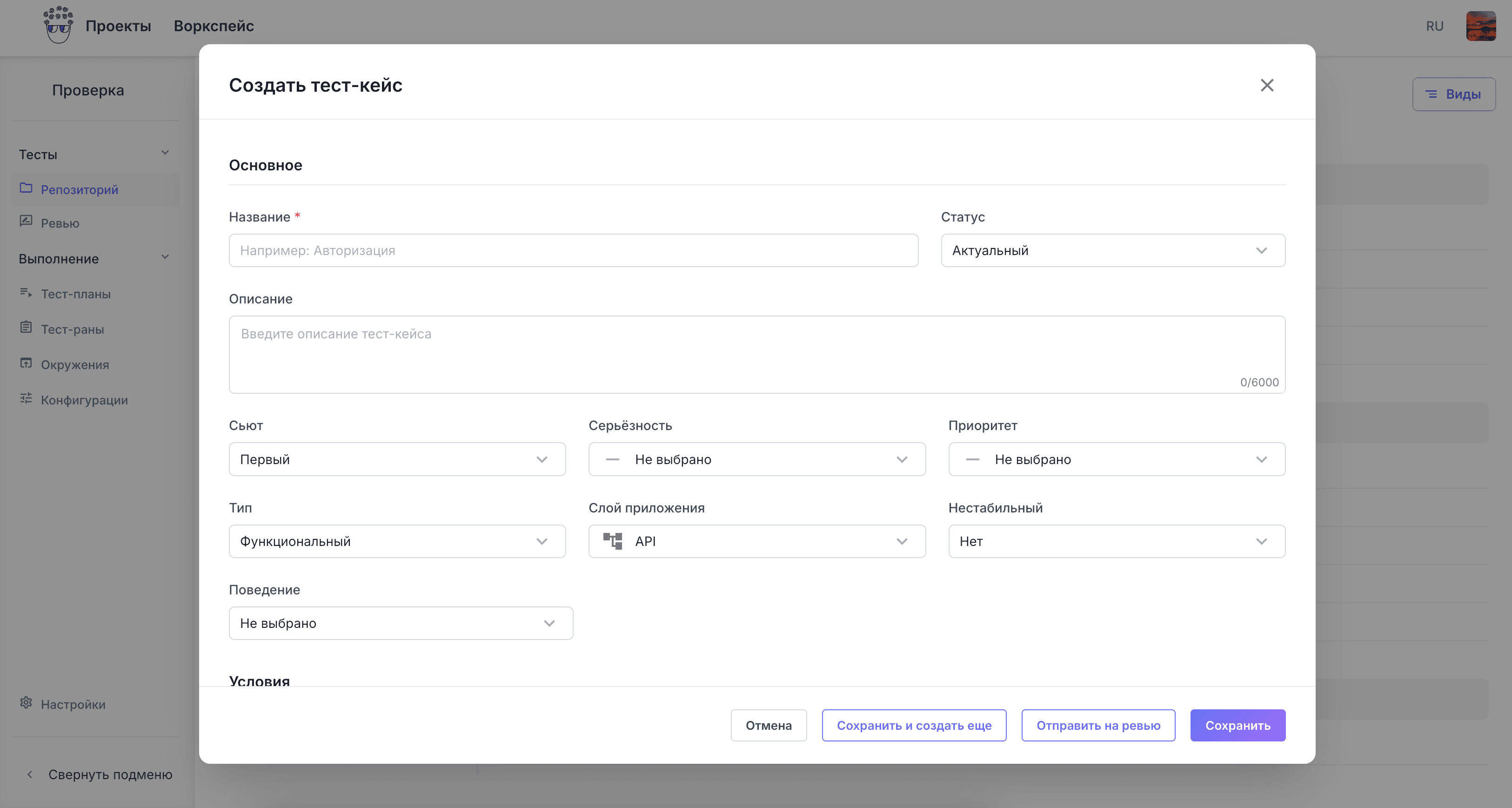
A project adds its own fields to a case: component, layer, requirement number. Moving a large base over is hard without them.
Cases live in a suite hierarchy with steps, preconditions, priorities and tags. Bulk edit them, copy between projects, review before a run.
Cases sit in a tree of suites of any depth rather than a flat list, so a large base stays readable and can be worked branch by branch.
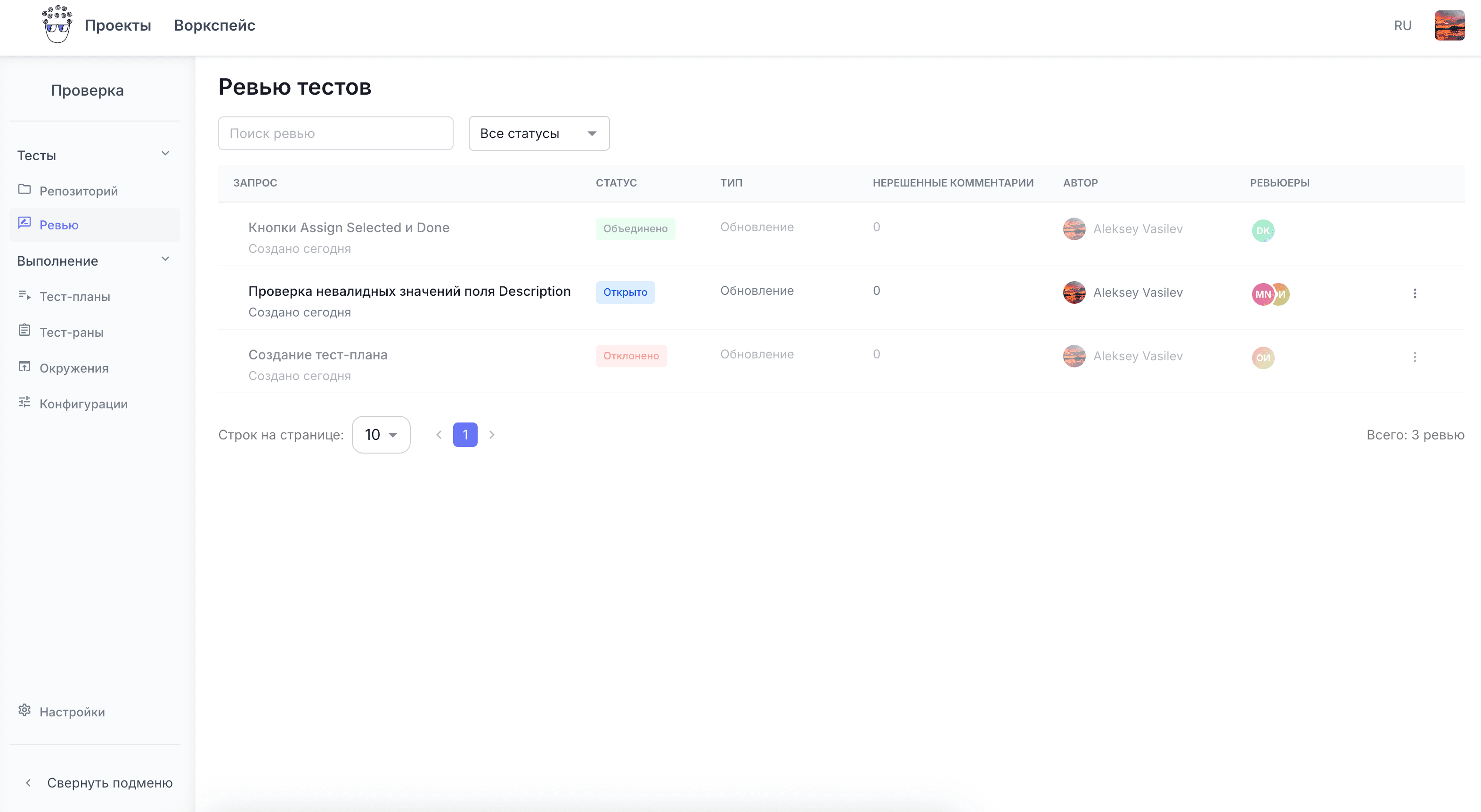
A case is checked before a release is run against it. Disputed wording is settled in comments rather than in a chat thread.
A project adds its own fields to a case: component, layer, requirement number. Moving a large base over is hard without them.
Navigation across the whole base: smoke, regression, payments. A tag drives both a selection and a test plan.
A case links to another case, and inside a run it carries a link to a task in your tracker. Traceability is not lost.
An outdated case goes to the archive instead of being deleted: its run history stays in place.
Import from CSV and Excel, and from TestRail, Zephyr and Xray exports. We help with field mapping at the start.