Switch from TestRail, Zephyr or Xray
We move the case base from those systems' exports and from CSV or Excel files, and help map the fields. A few thousand cases usually take a day.
What we move
The importer reads an export from the system your team works in today. You pick the source system when you upload the file, so its columns are parsed by its own layout.
TestRail
Export the project to CSV, Excel or XML. Choose TestRail as the source on upload and the columns are read by its layout.
Zephyr
Export to CSV or Excel. Action, test data and expected result stay three separate step fields instead of one glued paragraph.
Xray
Export to CSV, Excel or XML. A case comes over with its list of steps, preconditions and priority.
Qase.io and TestLink
Their own export formats are parsed directly, with no spreadsheet in between: JSON and XML.
CSV and Excel
If the base lives in a spreadsheet rather than a tracker, we move the spreadsheet: columns are mapped to case fields.
File size
Up to 50 MB the file is imported straight away. Between 50 and 100 MB it goes to a background job with a visible status. Larger files are split.
How the fields land
Most fields have a direct counterpart. Anything without one goes into project custom fields instead of being dropped.
- Title and description
- Move across one to one, together with the case description.
- Preconditions and postconditions
- Kept as separate fields on the case. Repeating ones are later pulled out into shared preconditions.
- Steps
- Every step keeps three fields: action, test data and expected result.
- Priority, type, severity
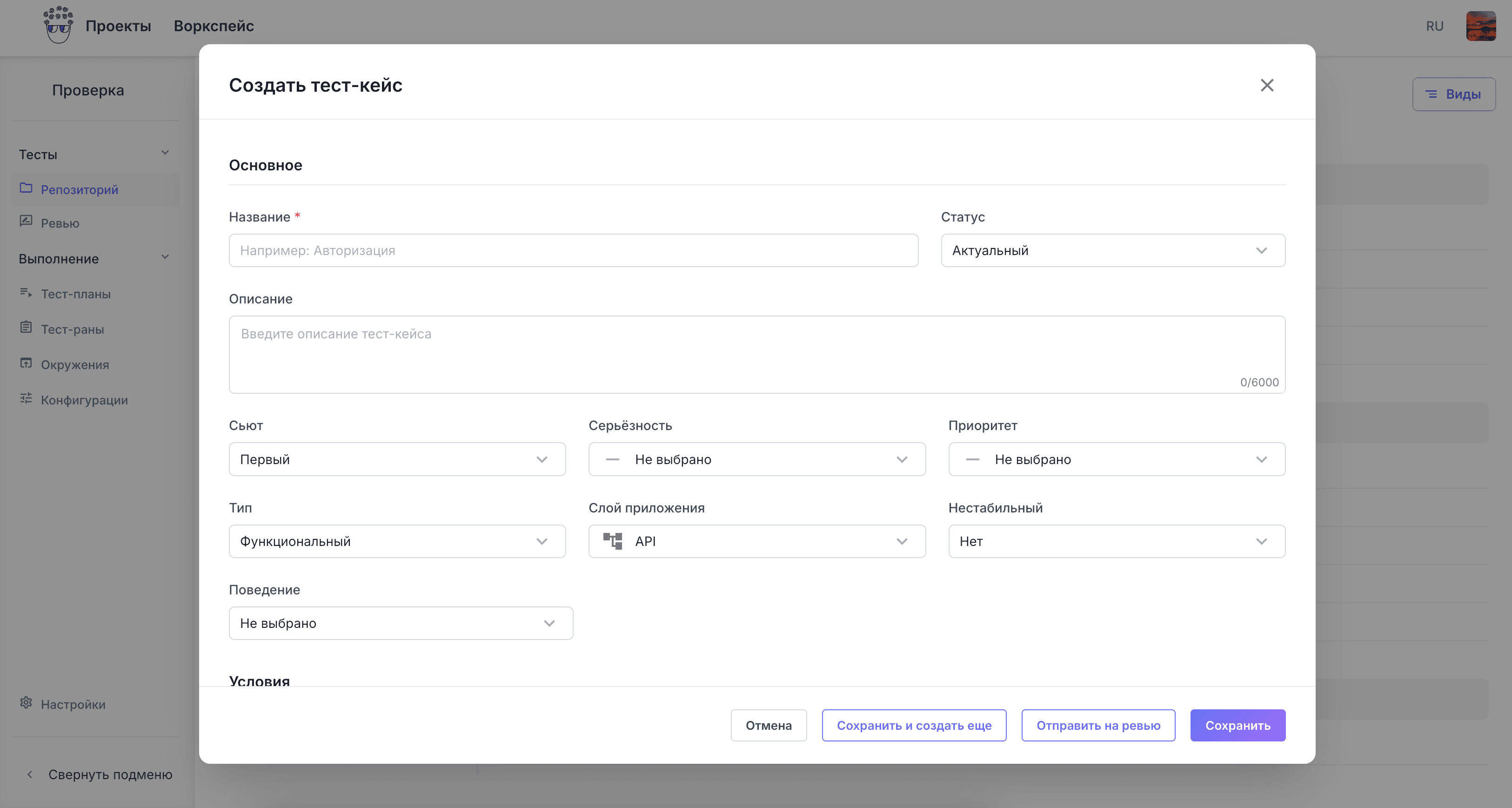
- Values are matched to CommIT TMS lists: priority, type, severity, layer and case status.
- Labels
- Become tags, which is how you find cases once the base runs into thousands of records.
- Fields we do not have
- We add a project custom field of the right type and move the values into it.
How the switch goes
The first steps are done together with us. A few thousand cases move in a day.
We look at the export
You send the file from the old system. We say what moves one to one, what goes into custom fields and what has to be filled in by hand.
Trial import
We move part of the base into a separate project. You open a dozen cases and tell us what to fix in the mapping.
Full import
After the upload the system returns the number of imported and failed cases with the list, so the check is done on numbers, not by eye.
Projects and access
We set up projects, roles and members and connect SSO. Rights are granted per project and per action.
First test run
You build a test plan from the migrated cases and start a run. From that point the old system is no longer needed.
What changes after the move
Verifiable differences only. Everything listed works in the current version of the product.
The base stays yours
Export to CSV, Excel, XML, JSON, HTML and PDF at any time, with the suite hierarchy preserved.
Contract and invoice
A contract, an invoice and closing documents. Company details are on the contact page.
Can run in your perimeter
The same application deploys inside your infrastructure when the data must not leave the network.
AI writes the cases
Give the system a task description and it returns cases with preconditions, steps and expected results. Edits and the final call stay with a person.
Send the export, we will look at your base
From the file we will tell you what moves automatically and how long the migration takes. The trial import runs on your project, not on demo data.