Environments
The stand a run happens on: dev, staging, pre-production. A result is always tied to its environment.
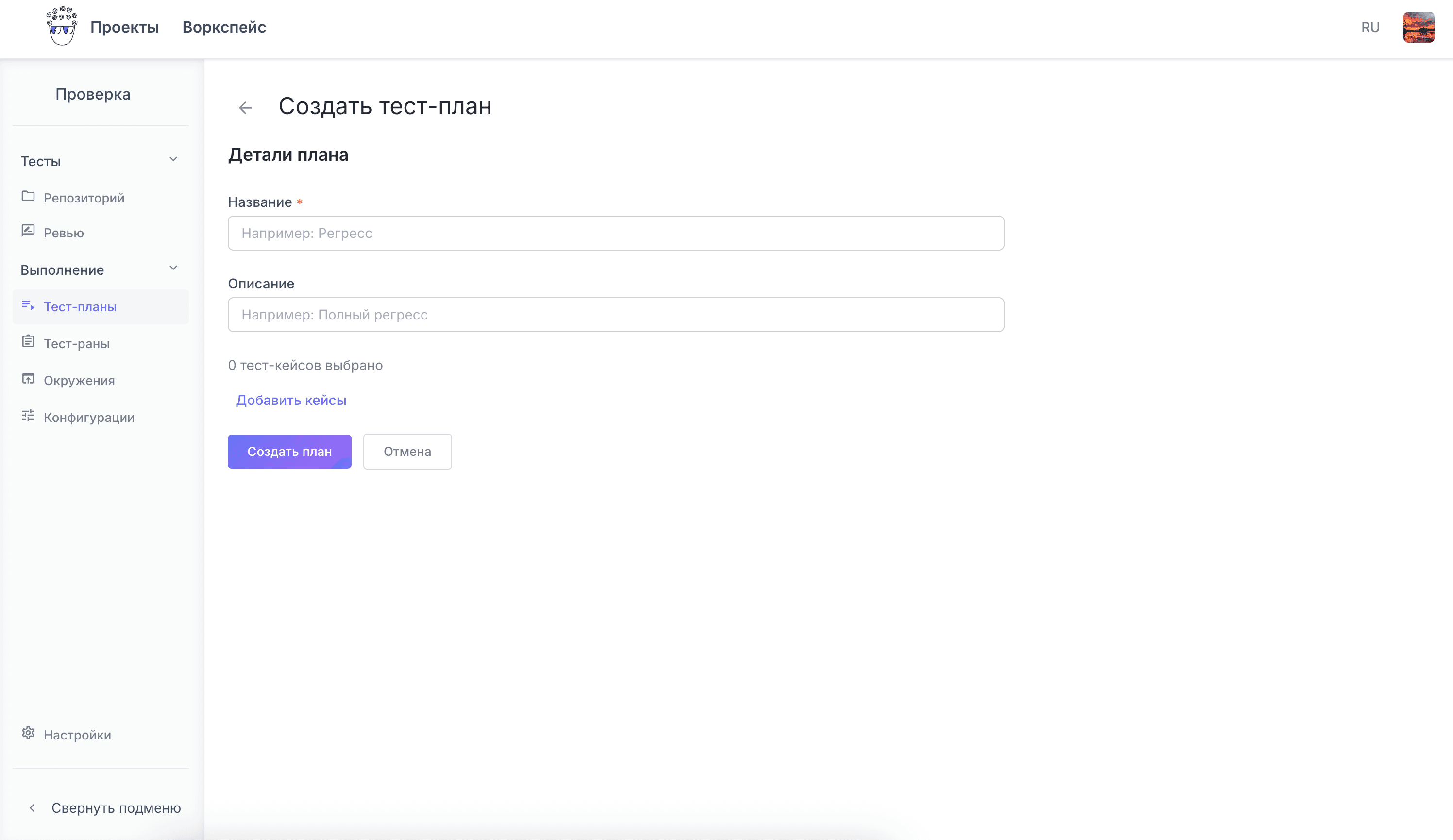
A plan groups cases by release, feature or priority and gets reused next sprint. A run shows statuses, comments, attachments and owners.
A plan collects cases for one specific job: a release, a feature or a priority level. The next sprint starts from a ready plan instead of an empty list.
A run shows what is already done, what failed and where work stopped. Every result is recorded together with its evidence.
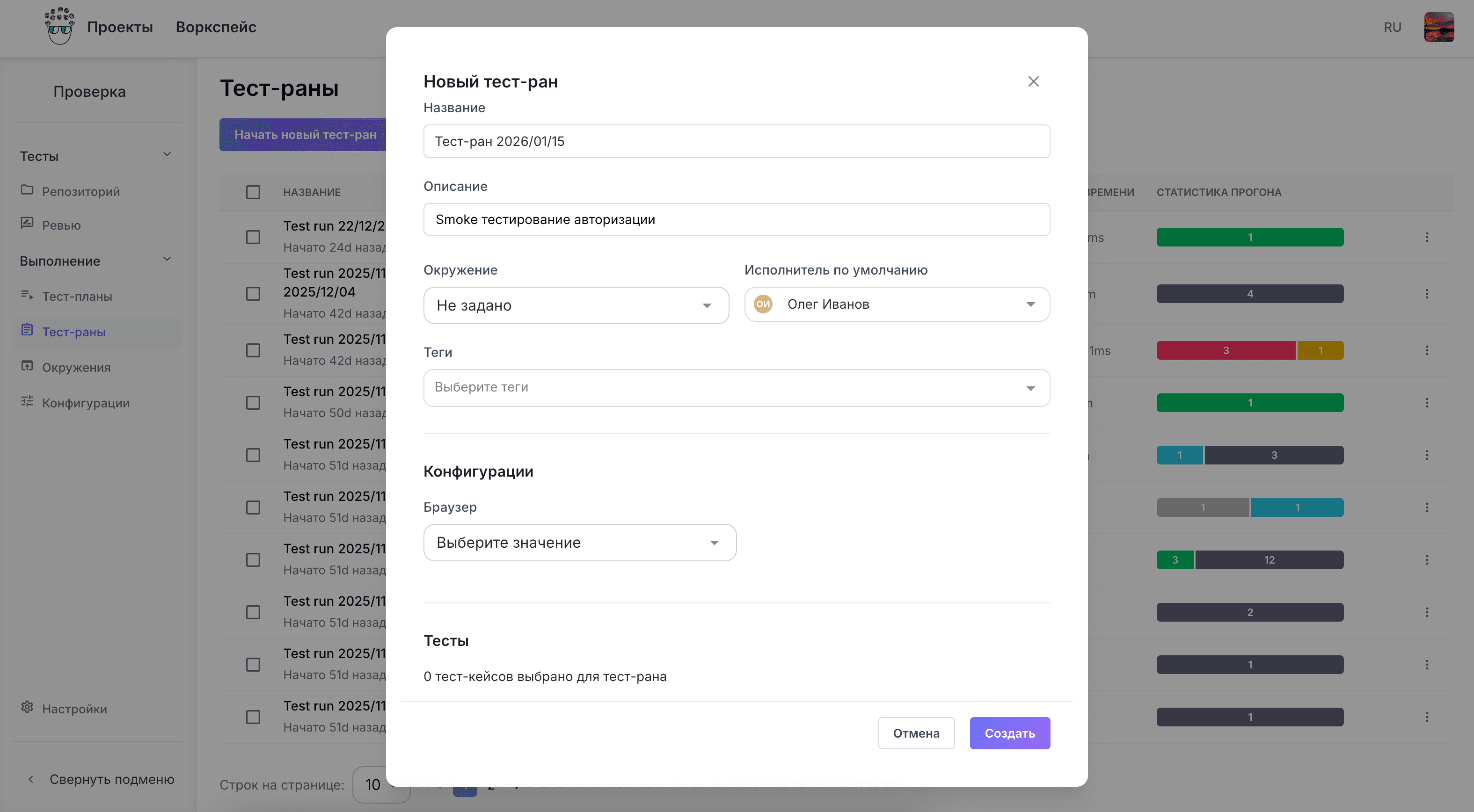
Work is distributed inside the run, so the separate spreadsheet of who takes what is no longer needed.
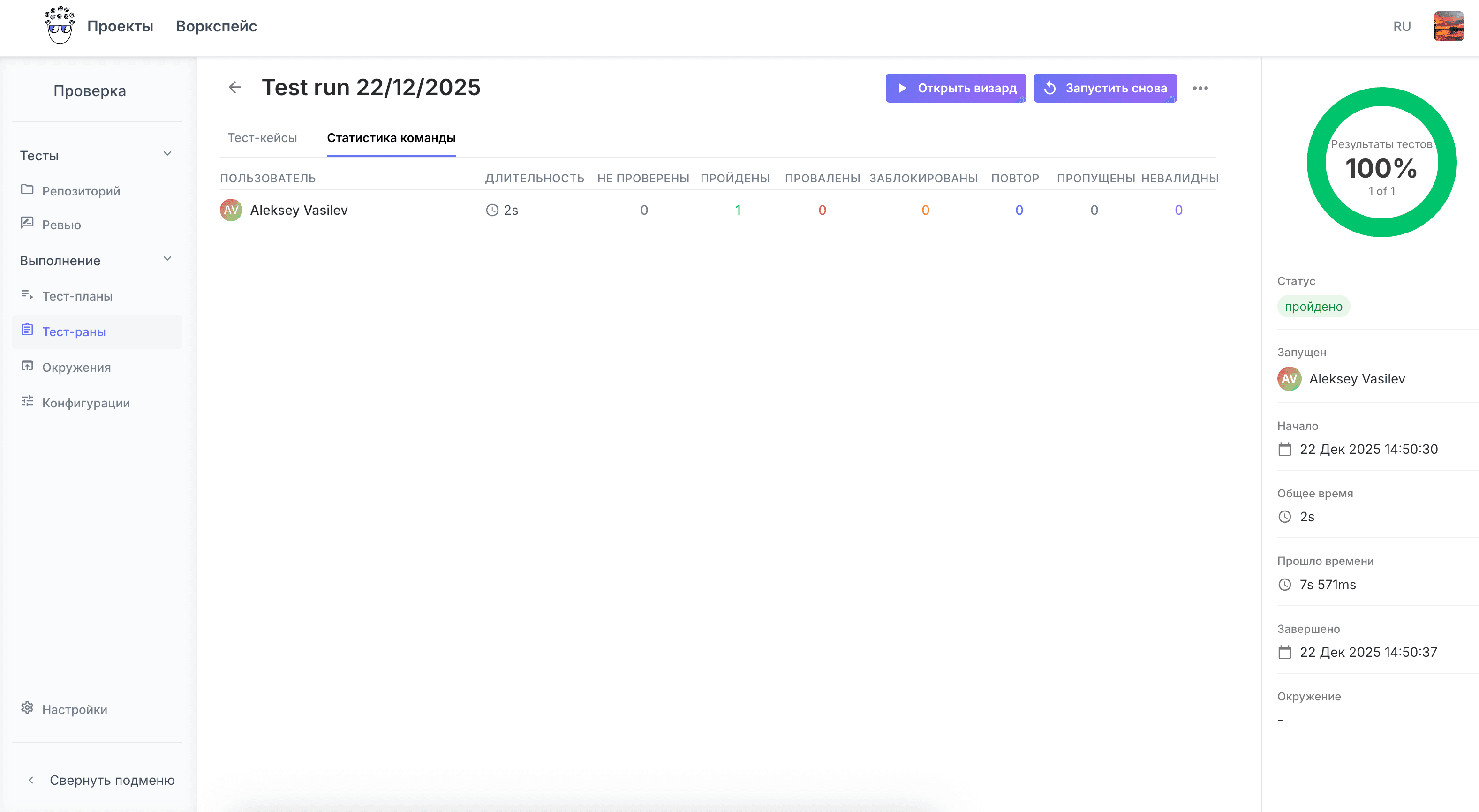
The stand a run happens on: dev, staging, pre-production. A result is always tied to its environment.
Browser, platform, version. One plan runs across a matrix of configurations, not a single row.
Runs are attached to a release, so readiness to ship is visible at a glance.
Build a plan from existing cases, assign owners and walk it through. That takes a day, not a quarter of rollout.